
Cisco Umbrella Packages Explained: DNS vs SIG, Essentials vs Advantage
Cisco Umbrella still ships as four packages, DNS Security Essentials, DNS Security Advantage, SIG Essentials, and SIG Advantage, even as new capability lands in Cisco Secure Access. Here's what each tier actually includes and how to license it.
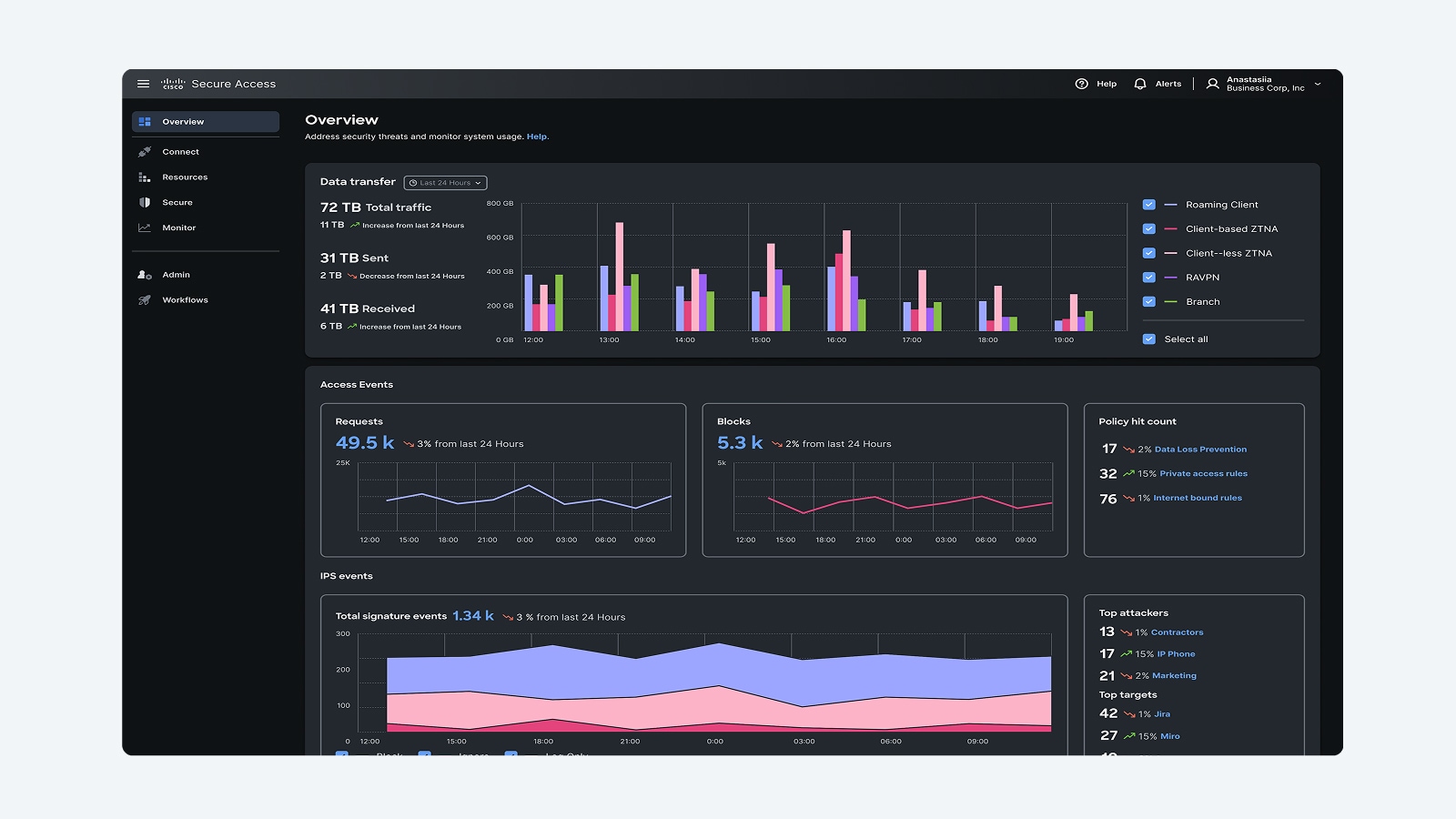
Cisco Umbrella ships as four packages in two families: DNS Security (Essentials, Advantage) and SIG, Secure Internet Gateway (Essentials, Advantage). DNS Security blocks threats at the DNS layer only; SIG adds a full secure web gateway, cloud firewall, and CASB via full-proxy inspection. Cisco is moving new capability into Cisco Secure Access (its SSE platform), but Umbrella is still sold, licensed per user, and remains the right buy for DNS-only filtering, K-12 CIPA compliance, and teams not ready for full SSE.
What are the four Cisco Umbrella packages?
Umbrella's packaging hasn't fundamentally changed in years, Cisco still sells it as a four-tier ladder. The split first happens between DNS Security and SIG, and each family then splits again into Essentials and Advantage. DNS Security packages redirect DNS queries to Cisco's resolvers and block malicious domains before a connection is ever established. SIG packages do that plus route traffic through Cisco's cloud proxy for full URL and content inspection, file scanning, and application control. The table below is the fastest way to see where the lines fall.
| Package | Deployment | Core capability | Best fit |
|---|---|---|---|
| DNS Security Essentials | DNS-layer redirect (network devices, roaming client, or IPsec tunnel) | Malware/phishing/botnet domain blocking, 80+ content categories, basic reporting | Branch offices, remote-user protection, CIPA filtering on a budget |
| DNS Security Advantage | Same as Essentials | Adds intelligent proxy for risky domains, expanded reporting/investigate console, cloud malware detection | Teams that need deeper visibility without a full proxy deployment |
| SIG Essentials | Full proxy, PAC file, IPsec tunnel, or Cisco Secure Client | Everything in DNS Advantage plus SWG, cloud-delivered firewall (L3/L4), basic CASB, HTTPS inspection | Organizations standardizing on one cloud security stack for web + firewall |
| SIG Advantage | Full proxy | Everything in SIG Essentials plus Layer 7 firewall/IPS, unlimited malware sandboxing, full CASB with out-of-band scanning, advanced DLP | Regulated buyers needing DLP, deep app control, and inline malware detonation |
DNS Security Essentials vs Advantage: what's the real difference?
Both DNS tiers deploy the same way, point DNS at Cisco's anycast resolvers via network device configuration, a virtual appliance, or the roaming client for off-network laptops and mobile devices. Essentials covers the fundamentals: domain-reputation blocking, malware and phishing protection, and content filtering across 80-plus categories, all manageable from a single dashboard with no hardware to rack. It activates in minutes and is the package most partners quote for a first Umbrella deployment.
DNS Security Advantage layers on an intelligent proxy that inspects risky domains at the URL level (not just the domain), cloud malware detection for files traversing DNS-permitted destinations, and a more capable investigate console for threat hunting. If your team only needs "block bad domains, report on activity, done," Essentials is sufficient. If you need to see and act on individual URLs within a category, not just whole-domain block/allow, Advantage earns its premium.
SIG Essentials vs Advantage: when do you need full proxy?
SIG is the tier where Umbrella stops being "DNS filtering" and becomes a real secure web gateway. Both SIG packages route traffic through Cisco's cloud proxy, which is what makes HTTPS inspection, granular URL filtering, and file-level malware scanning possible, DNS Security packages simply cannot do this because they never see the full request, only the domain lookup.
SIG Essentials bundles DNS-layer security, SWG, a cloud-delivered firewall for centralizing branch and roaming-user egress policy, and basic CASB for shadow-IT app discovery. It's the minimum tier that supports HTTPS decryption and inspection. SIG Advantage is Cisco's top Umbrella tier: it adds Layer 7 firewall with intrusion prevention, unlimited cloud malware sandboxing (file detonation, not just reputation lookup), full CASB with out-of-band API scanning of sanctioned SaaS apps, and advanced DLP for data leaving through web and cloud channels. Buyers replacing an on-prem proxy appliance or consolidating multiple point products typically land on SIG Advantage.
What moved into Cisco Secure Access, and is Umbrella still worth buying?
Cisco has been migrating capability into Cisco Secure Access, its converged Security Service Edge (SSE) platform that unifies ZTNA, SWG, CASB, DLP, firewall, and digital experience monitoring under one policy engine and one client. In Cisco's current framing, Umbrella DNS maps to Secure Access DNS Defense, and Umbrella SIG maps to Secure Access Secure Internet Access (SIA), sold at Essentials and Advantage tiers with, per Cisco, equivalent-or-better capability at the same list price as the Umbrella package it replaces.
Umbrella is not discontinued. It remains a fully supported, separately orderable product line, and Cisco offers an automated migration path (Cisco states most Umbrella-to-Secure-Access moves complete in under an hour) for customers who want to move later. Umbrella is still the right buy when you want DNS-only or SIG-only protection without adopting a full SSE client rollout, when you're licensing for a K-12/library environment with a simple CIPA-filtering need, or when you already run Umbrella and don't need ZTNA, Digital Experience Monitoring, or GenAI app control yet. Secure Access is the better starting point if you're building toward full SASE, replacing VPN with ZTNA, adding DEM/ThousandEyes visibility, or consolidating more security functions under one roof from day one.
DNS redirect vs full proxy: which deployment model fits your network?
This is the single biggest factor in picking a package. DNS redirect (used by both DNS Security tiers) means you point your resolvers, firewall, or roaming client at Cisco Umbrella and let it filter at the query level, it's fast to deploy, has near-zero latency impact, and requires no certificate deployment or PAC file management. Its limit: it can only block or allow at the domain level, so it can't stop a threat hosted on an otherwise-legitimate domain, and it can't inspect file downloads or enforce DLP.
Full proxy (SIG Essentials and Advantage) routes traffic itself, not just the DNS lookup, through Cisco's cloud, typically via IPsec tunnel from branch firewalls/routers or the Cisco Secure Client on endpoints. That unlocks HTTPS inspection (which requires deploying Cisco's root certificate to trusted stores), file scanning, granular URL and application control, and CASB/DLP enforcement. The tradeoff is more deployment work: certificate distribution, tunnel configuration, and more policy tuning to avoid breaking pinned-certificate apps.
- Choose DNS redirect if you need fast, low-friction protection across many locations or roaming users and don't require HTTPS content inspection.
- Choose full proxy (SIG) if you need to inspect encrypted traffic, control specific SaaS apps, scan downloaded files, or enforce DLP.
- Hybrid deployments are common: DNS Security at branch/remote sites for baseline coverage, SIG for HQ or higher-risk user groups.
How does Cisco Umbrella help schools meet CIPA and E-Rate requirements?
K-12 districts and libraries need to certify Children's Internet Protection Act (CIPA) compliance, filtering obscene content, child pornography, and material harmful to minors, to remain eligible for E-Rate discounts on internet and internal connections. Umbrella's DNS Security packages are a common fit here: content filtering across 80-plus categories covers the CIPA-required categories out of the box, the roaming client extends filtering to Chromebooks and laptops that leave the building (a requirement many districts miss until an E-Rate audit flags it), and district-wide DNS redirect deployment across dozens of school sites typically completes in under a day with no on-site hardware.
Districts that need more than baseline filtering, SSL decryption to catch HTTPS-hidden content, granular per-building or per-grade policy, or malware/ransomware protection beyond domain blocking, move up to SIG Essentials. Either package is licensed per student/staff seat, and Uniqcli handles E-Rate-eligible quoting alongside the paperwork on Smart Accounts and TAA compliance for districts that also carry federal or state funding requirements. Cisco Umbrella for Education is FedRAMP-authorized, which matters for districts layering state or federal grants on top of E-Rate.
How do you buy and license Cisco Umbrella?
All four packages are sold as annual or multi-year subscriptions, licensed per user with tiered volume pricing, larger seat counts bring down the per-user rate, and Cisco periodically runs promotional pricing on longer terms. Government and education buyers typically qualify for GSA, E-Rate, or state contract pricing on top of standard volume discounts. Because Umbrella licenses attach to a Cisco Smart Account the same way switch, firewall, and collaboration licenses do, it's straightforward to bundle a new Umbrella order alongside a hardware refresh or add it to an existing agreement without standing up a separate procurement process.
For an accurate quote, know your seat count, preferred term length, and whether you need full-proxy inspection (SIG) or DNS-only (DNS Security) before reaching out, that alone gets you to the right of the four packages. Request a quote and we'll size the right tier, confirm current list pricing, and handle Smart Account provisioning and any TAA or GPC paperwork your agency requires.
Frequently asked questions
What is the difference between Cisco Umbrella DNS Security and SIG?
DNS Security filters traffic at the DNS-lookup layer only, fast to deploy, no proxy required, but limited to domain-level blocking. SIG (Secure Internet Gateway) adds a full cloud proxy on top of DNS filtering, enabling HTTPS inspection, file scanning, CASB, and firewall enforcement. SIG is required if you need to inspect encrypted web traffic or enforce DLP; DNS Security is sufficient for baseline domain-level threat blocking.
Is Cisco Umbrella being replaced by Cisco Secure Access?
No, Umbrella remains a supported, separately sold product. Cisco is migrating new capability (ZTNA, Digital Experience Monitoring, GenAI app controls) into Cisco Secure Access, and maps Umbrella DNS to Secure Access DNS Defense and Umbrella SIG to Secure Access Secure Internet Access (SIA) at the same list price. Existing and new Umbrella customers can stay on Umbrella or migrate to Secure Access on their own timeline.
How is Cisco Umbrella licensed and priced?
Umbrella is licensed per user (not per device) across four packages, DNS Security Essentials/Advantage and SIG Essentials/Advantage, sold as 1-year or multi-year subscriptions with volume-based tiered pricing. Government, education, and enterprise buyers can access contract or E-Rate pricing on top of standard discounts. Exact list pricing varies by term and volume; request a quote for current numbers.
Does Cisco Umbrella meet CIPA requirements for schools?
Yes. Umbrella's content filtering (80+ categories) covers CIPA-mandated filtering for obscene material and content harmful to minors, and the roaming client extends that filtering to Chromebooks and laptops off-campus, a common E-Rate audit gap. DNS Security Essentials covers most districts' baseline CIPA needs; SIG Essentials adds HTTPS inspection for districts wanting deeper visibility into filtered traffic.
Can I deploy Cisco Umbrella without replacing my existing firewall or router?
Yes. DNS Security packages deploy by redirecting existing network devices, Meraki MX appliances, or the Umbrella roaming client to Cisco's DNS resolvers, no new hardware. SIG packages route traffic to Cisco's cloud proxy via IPsec tunnel from your existing firewall/router or through Cisco Secure Client on endpoints, also without a hardware swap.
What's the minimum Umbrella package for HTTPS/SSL inspection?
SIG Essentials is the minimum tier that supports HTTPS inspection, because it's the lowest tier that routes traffic through Cisco's full cloud proxy rather than just DNS. Both DNS Security Essentials and DNS Security Advantage operate at the DNS-lookup layer only and cannot decrypt or inspect HTTPS content.
Uniqcli Team
The Uniqcli Team is an authorized Cisco partner specializing in Catalyst wireless, switching, datacenter fabric, licensing, and managed services for U.S. federal, state, local, and education customers. We scope Cisco bills of materials, validate procurement paths (TAA, FIPS, contract vehicles), and deliver design, deployment, and managed operations.
Ready to scope your Cisco build?
Build a quoteRelated reading
View all →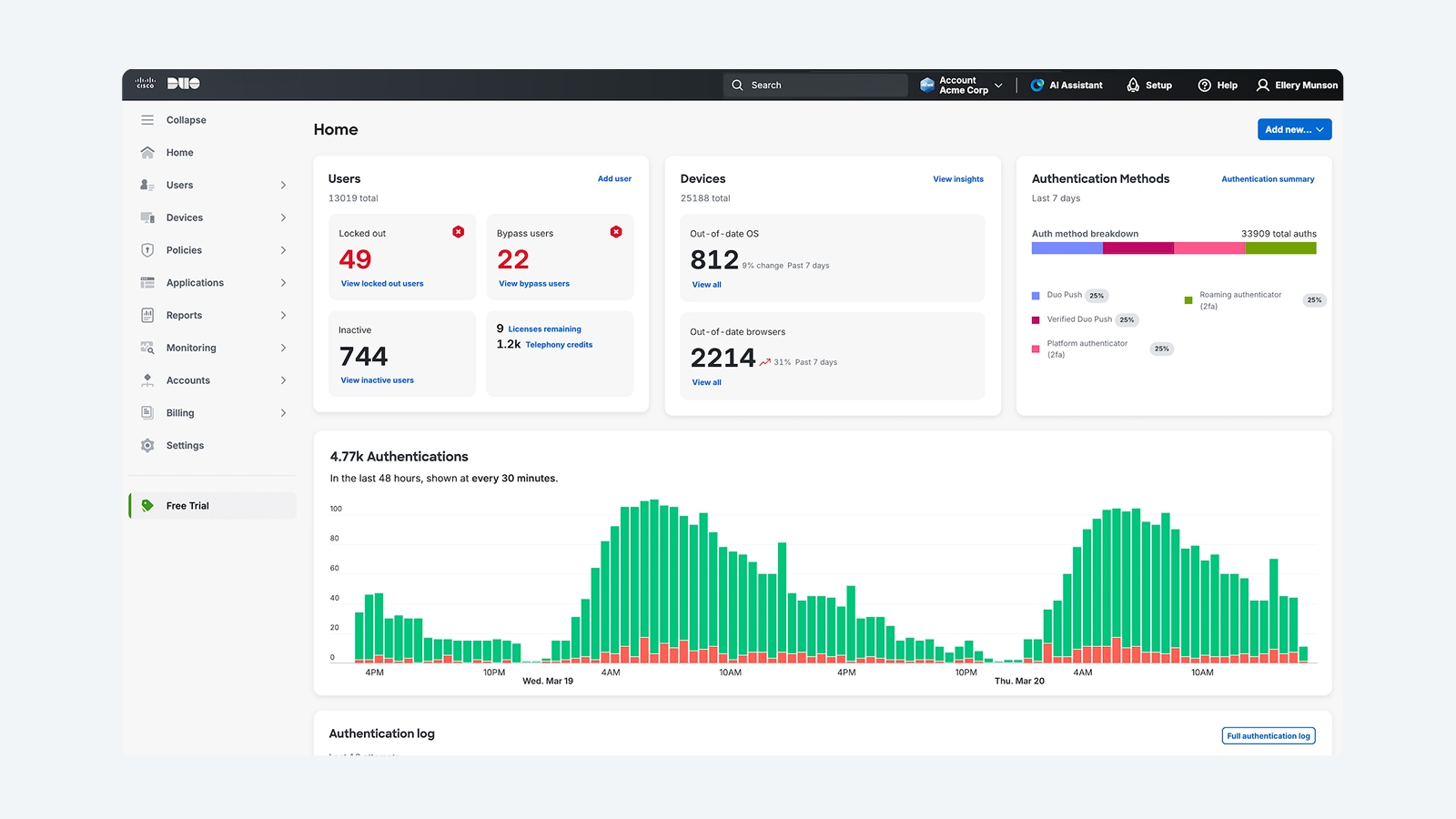 Guides
Cisco Duo Editions and Pricing Guide (2026): Essentials vs. Advantage vs. Premier
Cisco Duo ships in four editions with clearly split feature lines. Here is what Free, Essentials, Advantage, and Premier actually include, how per-user licensing works, and how to buy it through a partner.
July 3, 2026 · 8 min read Guides
Cisco XDR Pricing and Licensing Explained: Tiers, Costs, and What Drives the Quote
Cisco XDR pricing has no public list price. Here is how the three tiers, telemetry volume, retention, and Enterprise Agreement bundling drive your quote, and how to size it before you ask.
June 15, 2026 · 11 min read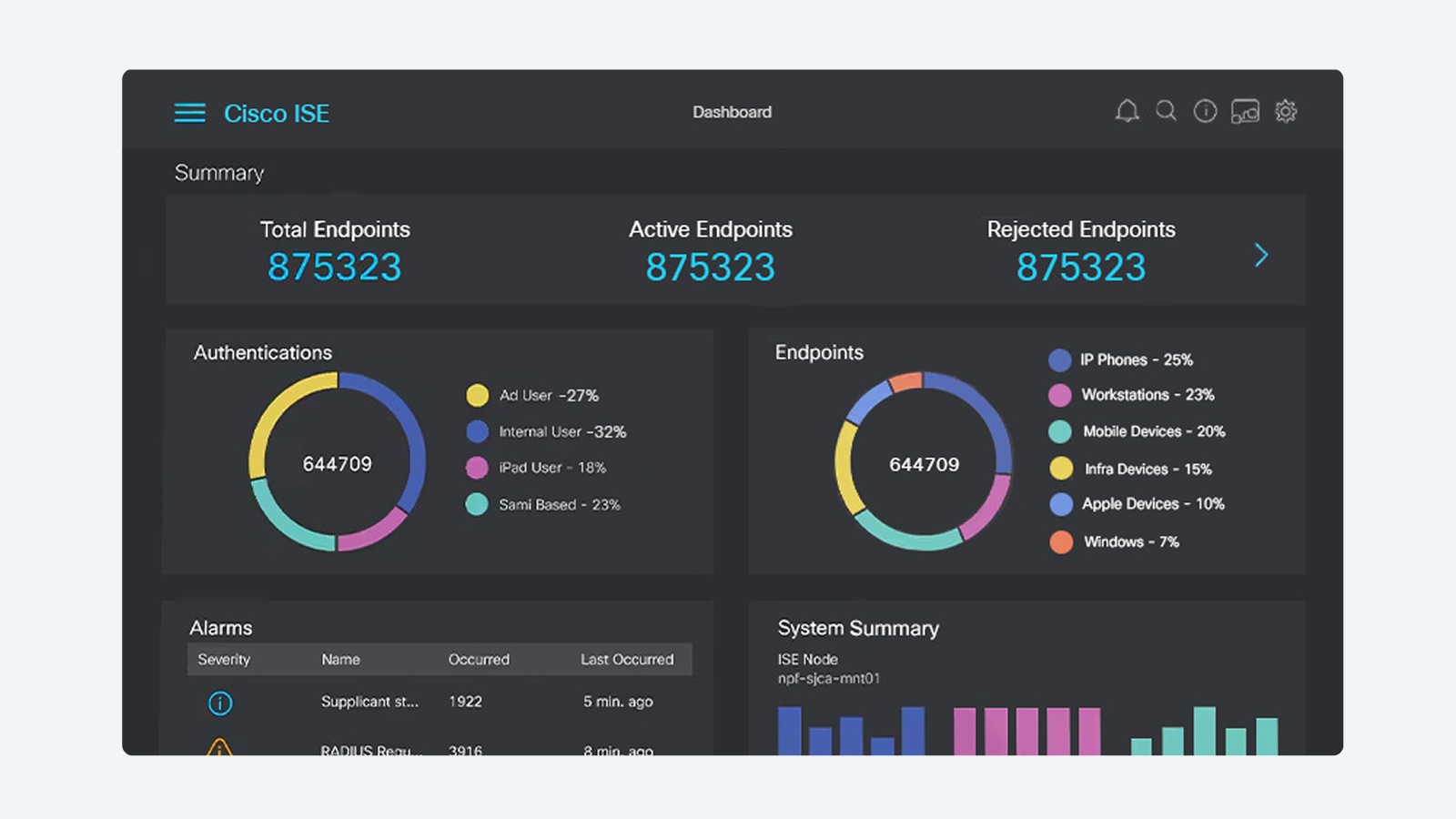 Guides
Cisco ISE Licensing Explained: Essentials, Advantage, and Premier Tiers Demystified
A plain-English guide to Cisco ISE license tiers: what Essentials, Advantage, and Premier each add, how endpoint-count subscriptions and the separate Device Administration license work, and the cost drivers behind your quote.
June 11, 2026 · 11 min read Guides
Cisco wireless licensing for Wi-Fi 7 explained
Wi-Fi 7 access points are the easy part. The licensing model behind them, from the Catalyst 9800 controller to per-AP subscriptions and Smart Account hygiene, is where budgets and deployments actually get decided. Here is how Cisco wireless licensing really works for a Wi-Fi 7 refresh, and how to size it before you buy.
May 15, 2026 · 10 min read Guides
Cisco Licensing Cost Explained: Essentials vs Advantage vs Premier
Cisco hardware sticker prices are only the opening number. Here is how Essentials, Advantage, and Premier licensing tiers, subscription terms, and SmartNet quietly decide what you actually pay.
March 26, 2026 · 9 min read Guides
How Much Does a Cisco Wi-Fi 7 Access Point Cost?
A Cisco Wi-Fi 7 access point starts from about $1,000, but the license tier, subscription term, SmartNet, PoE, and install decide what you actually pay. Here is how the real number takes shape, and why a quote is the only accurate one.
February 27, 2026 · 8 min read