

Webex vs. Zoom vs. Teams isn't a single-winner comparison, each platform earns its position for a different reason. Teams wins on Microsoft 365 bundling and is the default when an organization is already deep in Microsoft licensing. Zoom wins on simplicity and external-guest familiarity, which matters most for client-facing and education use cases. Webex wins on device ecosystem, calling maturity, and integration with a Cisco security stack, the strongest fit when phones, room hardware, and network security already run Cisco. Large organizations increasingly run more than one of these simultaneously rather than standardizing on a single platform enterprise-wide, and that's a legitimate strategy, not a failure to decide. The rest of this guide breaks down exactly where each platform's advantage comes from and holds up under scrutiny.
At a glance
| Category | Webex | Zoom | Teams |
|---|---|---|---|
| Core strength | Devices + calling maturity + Cisco security integration | Meeting simplicity + external-guest familiarity | Microsoft 365 bundling |
| Best fit | Cisco-standardized IT environments, calling-heavy orgs | Client-facing teams, education, high external-meeting volume | Microsoft-centric enterprises already on E3/E5 |
| Own hardware line | Yes, Room Series, Desk Series, 8800-series phones | No, certified third-party partners only | No, certified Teams Rooms partners (some overlap with Cisco) |
| Cloud PBX | Webex Calling, with a hybrid CUCM path | Zoom Phone | Teams Phone, separate license plus PSTN connectivity choice |
| Identity/security integration | Cisco Duo, Umbrella, ISE | Independent of any single network vendor | Microsoft Entra ID, Purview, Defender |
| Government editions | Webex for Government (FedRAMP, family level) | Zoom for Government (FedRAMP, family level) | Microsoft GCC/GCC High (FedRAMP, family level) |
Where each platform actually wins
Strip away the marketing and each vendor's advantage traces back to one structural fact about the company behind it. Microsoft owns the office-productivity suite most enterprises already run, so Teams inherits distribution for free, it shows up in Outlook and SharePoint whether or not anyone chose it deliberately, and every new Microsoft 365 seat is a Teams seat by default. Zoom built a single-purpose product with nothing else to bundle, so it optimized ruthlessly for the one thing it does: getting a meeting started with the least possible friction, for hosts and external guests alike, which is why it still wins the "click a link, join instantly" comparison against both rivals. Cisco owns decades of enterprise telephony and hardware manufacturing, so Webex inherits real cloud and hybrid calling depth plus a matching line of purpose-built phones and room devices that neither Microsoft nor Zoom manufactures itself. None of these advantages are marketing claims, they're consequences of what each company was before it had a meetings product, and they're a reasonable way to predict which platform will keep winning in which category going forward.
Devices: the one category with a real gap
This is the least subjective category in the comparison. Cisco is the only one of the three that designs and manufactures its own meeting-room hardware and IP phones end-to-end, the Room Series, Desk Series, and 8800-series lineup, spanning small huddle spaces through large boardrooms under one bill of materials. Zoom and Microsoft both certify third-party hardware rather than building their own, which gives buyers more brand choice but spreads support across more vendors when a device fails, and means firmware release cycles, support portals, and end-of-life timelines vary by manufacturer rather than following one predictable schedule. Notably, a meaningful share of Cisco's own hardware is also certified to run as Microsoft Teams Rooms devices, so a room hardware decision doesn't have to lock in which software client ultimately runs on the screen. For any organization refreshing conference rooms or desk phones, that's worth separating from the platform decision entirely, see current models in the catalog or browse collaboration hardware.
Calling and enterprise telephony
If cloud or hybrid calling is part of the requirement, not just meetings, the three platforms are not equally mature. Webex Calling carries forward Cisco's long UC telephony lineage, the same engineering root as Cisco Unified Communications Manager, with the deepest hybrid on-prem migration path of the three. Teams Phone is capable and improving quickly but is licensed separately from core Teams and requires its own PSTN connectivity decision among Calling Plans, Operator Connect, and Direct Routing. Zoom Phone is the newest of the three as a cloud PBX and has grown fast, but carries the least enterprise telephony history. All three also field a cloud contact-center product on top of their core calling platform, Webex Contact Center, Zoom Contact Center, and Teams Phone paired with Microsoft's contact-center partner ecosystem, so a support or sales-desk calling decision deserves its own evaluation rather than riding on the core platform choice. None of this rules Zoom or Teams out for calling, plenty of organizations run either successfully, but it's the category where Webex's advantage is most defensible on substance rather than preference.
Security, compliance, and the multi-platform reality
All three vendors offer government-focused, FedRAMP-authorized environments at the family or package level, Webex for Government, Zoom for Government, Microsoft GCC/GCC High, so compliance alone rarely settles the decision; integration depth with your existing identity and security stack usually does. The bigger operational trend worth naming: large enterprises increasingly don't pick just one. It's common to see Teams as the default for internal meetings because it's bundled, Zoom kept alive for a sales or support team that standardized on it years ago, and Webex Calling running the phone system because it's what the network team already administers. Interoperability between the three has improved through SIP/H.323 gateway support and calendar federation, which is part of why coexistence has become a viable strategy instead of forced consolidation. The tradeoff of running more than one is real, though: more admin consoles, more places for a compliance or eDiscovery hold to miss a conversation, and more end-user confusion about which tool to use for which meeting, coexistence has to be actively governed, not left to sprawl.
Which should you choose?
For a true enterprise decision, weigh these against what's already installed, not a feature matrix.
- Standardize on Teams if Microsoft 365 E3/E5 is already your baseline and most collaboration happens inside Outlook and SharePoint.
- Standardize on Zoom if external-guest volume is high and simplicity matters more than platform depth.
- Standardize on Webex if Cisco phones, switches, or security tools already run your network and calling is a first-class requirement.
- Run more than one deliberately if different teams have different, defensible needs, just don't let it happen by accident across tools nobody chose, and assign one owner to govern the coexistence.
Frequently asked questions
Which is better: Webex, Zoom, or Teams?
None wins outright, each is strongest for a different reason. Teams wins on Microsoft 365 bundling, Zoom wins on meeting simplicity and external-guest familiarity, and Webex wins on device hardware, calling maturity, and Cisco security-stack integration. The right pick depends on what your organization already runs, not a universal feature ranking.
Can Webex, Zoom, and Teams interoperate?
Partially. All three support standards-based video (SIP/H.323) for room systems, and calendar and scheduling interoperability has improved, so a Webex room device can often join a Zoom or Teams meeting as a guest. Full feature parity, including chat, native controls, and recording, generally requires staying inside one platform's native client.
Do large enterprises really run all three?
Yes, and it's increasingly common rather than a sign of poor governance. A typical pattern is Teams for general internal collaboration because it's bundled with M365, Zoom retained for a team that adopted it independently, and Webex Calling running the phone system because Cisco already administers the network. It works when IT actively manages the coexistence rather than letting it sprawl unmanaged.
Which platform has the best room hardware?
Cisco is the only vendor of the three that designs and manufactures its own meeting-room hardware end-to-end, including the Room Series and Desk Series lines, rather than certifying third-party devices. A portion of that hardware is also Microsoft Teams Rooms-certified, so the hardware choice doesn't have to dictate the software platform.
Are all three platforms FedRAMP authorized for government use?
All three vendors offer a government-focused, FedRAMP-authorized environment: Webex for Government, Zoom for Government, and Microsoft GCC/GCC High. Authorization applies at the family or package level, not uniformly across every feature or tier, so confirm the specific authorization and impact level against your agency's actual requirement.
Uniqcli Team
The Uniqcli Team is an authorized Cisco partner specializing in Catalyst wireless, switching, datacenter fabric, licensing, and managed services for U.S. federal, state, local, and education customers. We scope Cisco bills of materials, validate procurement paths (TAA, FIPS, contract vehicles), and deliver design, deployment, and managed operations.
Ready to scope your Cisco build?
Build a quoteRelated reading
View all →GuidesWebex Pricing vs Zoom: How the Tiers and Add-Ons Actually Work
Webex pricing vs Zoom isn't a single number you can quote, both vendors gate the features that matter behind tiers, add-ons, and per-seat mechanics that change the real cost. Here's how each licensing model actually works.
July 12, 2026 · 6 min readGuidesWebex vs Zoom for Business: A Buyer’s Comparison
Webex vs. Zoom for business, compared honestly on meeting experience, devices, cloud calling, and security, so IT buyers can match the platform to how their organization actually works.
July 11, 2026 · 6 min read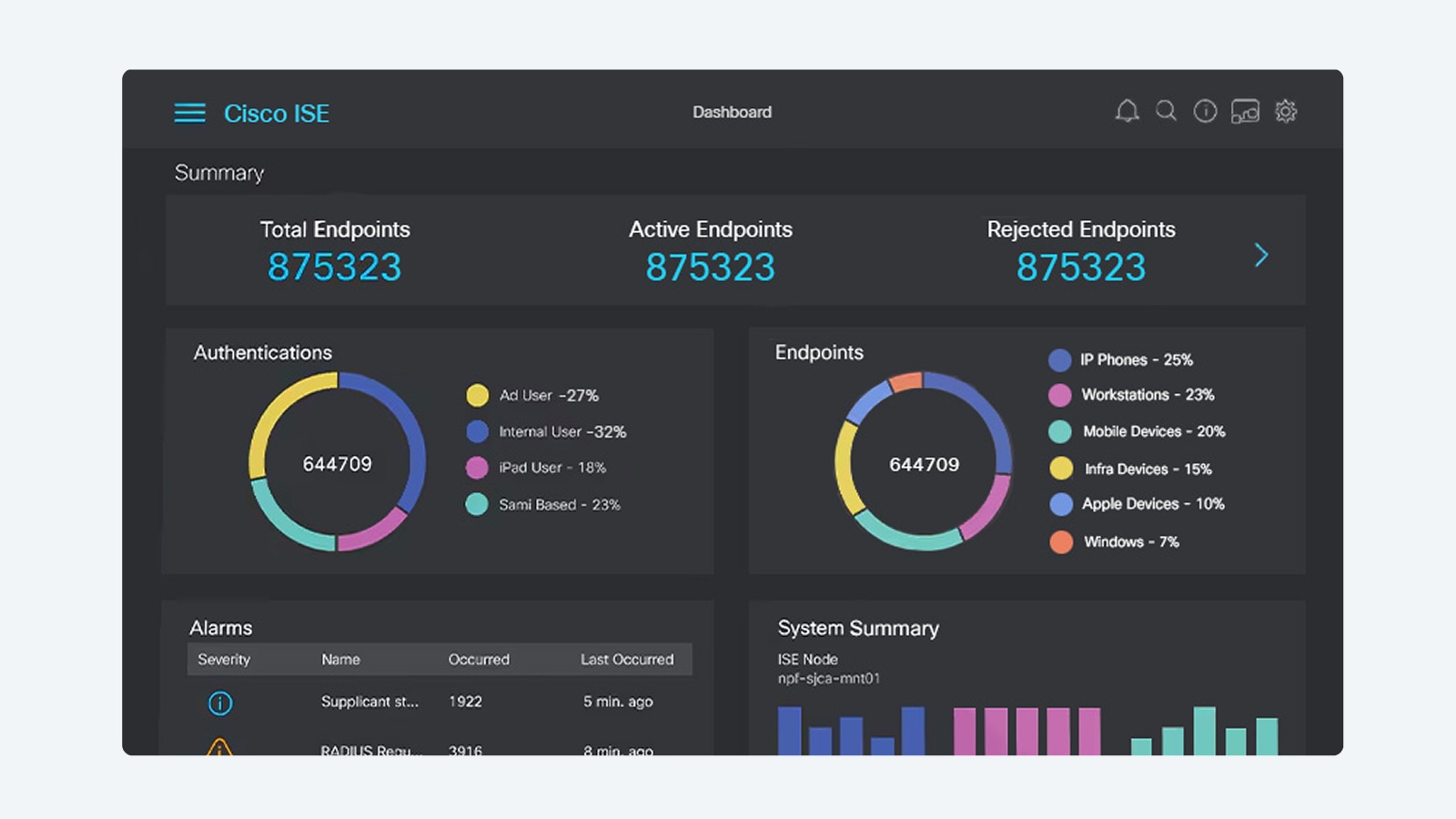 Guides
ISE vs ClearPass vs Forescout: The Three-Way NAC Shootout
Cisco ISE vs Aruba ClearPass vs Forescout is really two questions, ecosystem fit and authentication-first vs visibility-first, not one three-way bake-off. Here's how to tell which applies.
July 11, 2026 · 5 min read Compliance
Zoom vs Webex Security vs Teams: A Compliance Buyer's Guide
The zoom vs webex security question rarely has one answer, it depends on your compliance regime. Here's how Webex, Zoom, and Microsoft Teams actually compare on encryption, data residency, FedRAMP, and DoD authorization.
July 12, 2026 · 7 min readGuidesZoom vs GoToMeeting vs Webex: Where Legacy GoTo Shops Should Land
Zoom vs GoToMeeting vs Webex is rarely a fresh three-way pick, it's usually a GoTo Meeting renewal decision. Here's a fair basics comparison, then a focused Zoom vs Webex call with the migration checklist neither vendor volunteers.
July 12, 2026 · 6 min readGuidesZoom vs Webex Webinar: Which Wins for Large-Scale Events
Zoom Webinars and Webex Webinars both handle registration, Q&A, and streaming out to the world, but they package attendee scale, interpretation, and government-cloud options differently. Here's the webinar-only comparison.
July 12, 2026 · 7 min read