
Designing high-density Wi-Fi for stadiums and arenas
A packed stadium is the hardest Wi-Fi environment on earth: tens of thousands of clients in one RF space, all live at the same second. Here is how to design Cisco high-density wireless that holds up at kickoff, not just on a quiet weekday walk-through.

Key takeaways
- Stadium Wi-Fi is a capacity problem, not a coverage problem. The design target is thousands of simultaneous clients per section at peak, so you engineer cell size, client count per radio, and airtime first, then worry about signal reach.
- Antenna placement decides everything. Under-seat and handrail enclosures with directional antennas beat overhead-only designs in deep bowls by shrinking each cell and putting the AP close to the device.
- Spectrum is the scarce resource. Aggressive channel reuse on 5 GHz, plus the wide clean channels in 6 GHz from Wi-Fi 6E and Wi-Fi 7, is what makes a sellout crowd usable.
- The Cisco Catalyst 9800 controller and Catalyst Center RRM tune power and channels dynamically, which a venue with shifting crowd density genuinely needs.
- Wired backhaul and switching are part of the wireless design. Every dense AP needs multigigabit uplinks, UPOE-class power, and a switch fabric sized for the aggregate, or the bottleneck just moves off the air and onto copper.
- Validate under real load. A walk-through on an empty concourse proves nothing; you design to a measured per-user throughput target and confirm it with load testing and event-day telemetry.
Why a full stadium breaks ordinary Wi-Fi
A wireless design that works in an office fails in a bowl for one reason: density. An enterprise floor might hold a few hundred clients spread across a building. A sold-out arena puts forty, sixty, even eighty thousand smartphones into a single contiguous RF space, and they all wake up at the same moments. The national anthem, a contested call, a halftime highlight, the final whistle. Traffic does not arrive smoothly; it arrives in walls. Wi-Fi is half-duplex and contention-based, so every client in earshot of an access point shares airtime with every other client on that channel. Pack the clients tight enough and the medium spends more time managing collisions than moving data.
This is why stadium design starts from capacity math, not coverage maps. The wrong instinct is to mount a handful of high-power access points overhead and turn the radios up until the signal reaches the back row. That floods the venue with overlapping co-channel cells, every device hears every AP, and throughput collapses precisely when the crowd needs it. The right instinct is the opposite: many small cells, each carrying a manageable client count, each on a channel its neighbors are not using. You are not trying to cover the seating bowl with signal. You are trying to slice it into hundreds of tiny independent radio cells.
Treat the project as a high-density capacity build from day one. That framing changes the access point count, the antenna selection, the switching tier, and the budget. It is also the difference between a venue that trends on social media for connectivity and one that trends for all the wrong reasons. Bringing in a partner to run a proper wireless network design before any hardware is ordered keeps the bill of materials anchored to measured demand rather than guesswork.
Capacity first: sizing to the sellout, not the average
Every other decision flows from one number: how many concurrent associated clients you expect per section at peak, and what per-user throughput you promise them. Plan for a high take rate. Modern crowds carry multiple devices, and a venue offering free Wi-Fi as an amenity should assume a large fraction of attendees connect. From there you work backward. If a radio comfortably serves a bounded number of active clients at your target throughput, the seating count in each cell tells you how many radios and therefore how many access points each section needs.
The honest version of this math produces uncomfortable AP counts. Large stadiums routinely deploy well over a thousand access points, and the densest bowls push far higher. That is not over-engineering; it is what the contention model demands. The Wi-Fi Alliance and the broader industry treat dense public venues as a distinct class of deployment for exactly this reason, and the certification and interoperability work tracked by the Wi-Fi Alliance is what lets a venue serve a chaotic mix of phones, tablets, and wearables on the same network.
Capacity planning also has to account for the non-fan load nobody sees in the stands. Point-of-sale terminals, ticket scanners, press and broadcast, IPTV, building systems, and increasingly cashierless concessions all ride the same RF environment. Segment these onto their own SSIDs and VLANs with quality-of-service so a surge of fan video does not starve the payment terminals at a beer stand. When you scope the project around enterprise networking rather than just fan Wi-Fi, those operational systems get designed in instead of bolted on.
Antenna placement: the under-seat decision
The single most consequential choice in a bowl is where the access points live and which way they point. Overhead deployments, where APs hang from catwalks or the roof structure, are simple to cable and easy to maintain, but in a deep bowl they create large cells with poor angles to the lower seats and heavy co-channel overlap. They work for shallow venues, concourses, and clubs. For the seating bowl itself, the dominant high-density pattern is under-seat or railing-mounted access points with directional antennas aimed up and across a tight wedge of seats.
Under-seat enclosures put the radio within a few meters of the devices it serves. That proximity lets you run lower power, which shrinks each cell, which raises channel reuse, which is the whole game. The tradeoff is real: more enclosures to mount and cable, conduit and core-drilling in concrete risers, weatherproofing for open-air venues, and physical protection from spilled drinks and cleaning crews. The cabling alone reshapes the construction schedule, so the RF design and the physical build have to be planned together, not in sequence.
Most large venues end up with a hybrid. Under-seat or handrail units for the bowl, overhead and wall-mount units for concourses and clubs, and directional sector antennas for the upper decks where mounting points are scarce. A good physical and RF deployment plan maps every enclosure, cable run, and antenna azimuth to a seating section before a single core hole is drilled, because rework in a poured-concrete stadium is brutally expensive.
Spectrum and channel planning
Airtime is the scarce resource, and channels are how you create more of it. In a dense bowl you generally run narrow channels in the 5 GHz band, often 20 MHz wide, because narrower channels mean more non-overlapping channels and tighter reuse. Wide channels look fast on a spec sheet and a single laptop, but in a stadium they collapse the number of independent cells you can build, which is exactly backward for capacity. You are trading peak single-client speed for aggregate venue throughput, and aggregate is what matters when the seats are full.
The 6 GHz band changed the math. Wi-Fi 6E and Wi-Fi 7 open a large block of fresh spectrum with many additional wide channels and far less legacy interference, which is transformative in a venue where 2.4 and 5 GHz are saturated. The regulatory framework that made this band available comes from the FCC in the United States, and the underlying 802.11 standards that govern how radios behave in it are maintained by the IEEE. Designing for 6 GHz now means new client devices get a clean lane while older clients stay on the crowded bands, easing contention for everyone.
Manual channel and power planning across a thousand-plus radios in a venue with shifting crowd density is not realistic to maintain by hand. This is where automated radio resource management earns its keep. The Cisco approach uses Radio Resource Management driven through the controller and Catalyst Center to tune channel assignments and transmit power dynamically as conditions change. The design still sets the constraints, but the system adapts a bowl that is empty at 5 p.m. and packed at 8 p.m. without an engineer touching every AP.
Choosing the access points: Wi-Fi 6E and Wi-Fi 7
The access point is where capacity strategy becomes a purchase order. Cisco's current high-density wireless centers on the Catalyst Wi-Fi 7 access point line, including models such as the CW9176, CW9178, and CW9179, which add the tri-band 6 GHz capacity, higher client handling, and multi-link operation that dense venues benefit from. The specifics of radio count, antenna options, and supported channel widths vary by model, so the right unit for an under-seat enclosure is not the same as the one for an overhead concourse mount. Match the model to the role rather than buying one SKU for the whole building.
Do not anchor a design to memorized specifications. Radio configurations, antenna patterns, and power requirements are exactly the details that change between models and firmware, and getting them wrong at this scale is costly. Cisco publishes the authoritative numbers, and the Catalyst Wi-Fi 7 access point data sheet is the reference to size against, alongside a configured quote that reflects the actual antennas and mounts the venue needs. We keep our broader Wi-Fi 7 portfolio mapped to deployment scenarios for the same reason.
Wi-Fi 7 is the right target for a new build with a long service life, but the migration is gradual because client devices lead the adoption. A practical venue design supports the dense installed base of Wi-Fi 6 and 6E clients today while putting the 6 GHz capacity of newer access points to work for devices that can use it. If you are still weighing the generational jump, our breakdown of the differences across access point families lays out where each fits, and a Wi-Fi 7 quote puts a configured number against the section-by-section AP plan.
Controllers, wired backhaul, and the switch fabric
A thousand access points need a control plane and a wired network underneath them, and both are part of the wireless design whether the budget calls them that or not. Cisco's Catalyst 9800 wireless controllers anchor the control plane, handling client roaming, RF coordination, policy, and the high session counts a packed venue generates. Controllers are deployed for redundancy and capacity so a single failure does not darken a section during an event, and they integrate with the management and assurance layer for event-day visibility. Sizing the controller tier to peak client and AP counts belongs on the wireless controllers line of the design, not as an afterthought.
Behind every dense access point sits copper and fiber that has to carry the load. Each high-density AP wants a multigigabit uplink, because a busy Wi-Fi 7 radio can exceed a single gigabit, and a stadium full of them aggregates fast. They also need UPOE-class power delivered from the closet. That points the access layer at switches like the Catalyst 9300 and 9300X with mGig ports and high PoE budgets, uplinking to a core sized for the venue's aggregate throughput and its connection out to the internet. Skimp here and the bottleneck simply moves from the air to the wire.
Treat the wired and wireless layers as one system. The number of access points drives the port count, the per-AP throughput drives the uplink speed, and the PoE draw drives the power budget, all of which size the campus switching build. A design that nails the RF but under-provisions the closets will still fail at peak, just for a reason the fan in seat 30F can not see. Pairing the wireless plan with the switching plan from the start is what keeps the two in proportion.
Security, segmentation, and operations on event day
A public venue network is a high-value, high-exposure target, and the security model has to assume hostile clients on the open SSID. Segmentation is the first line of defense: fan Wi-Fi, point-of-sale, broadcast, building automation, and staff devices each belong on isolated network segments with policy between them. Cisco's Identity Services Engine provides the identity and policy enforcement to keep an open guest network from becoming a path into payment or operational systems, and folding identity and access policy into the design closes the gaps a flat network would leave open.
Event-day operations are their own discipline. A venue network is idle most of the week and then absolutely saturated for a few hours, so the operations model has to surface problems in real time during those hours. Telemetry and assurance through the management platform show which sections are healthy, where contention is spiking, and which access points are misbehaving while the event is live, not in a report the next morning. For venues that want analytics on top of connectivity, Cisco Spaces turns the same wireless infrastructure into location and crowd-flow data. Many operators hand the event-day watch to a partner under managed network operations so their own staff can focus on the show.
Public-sector and large institutional venues carry an extra layer. University arenas, federal facilities, and convention centers tied to government programs often have compliance obligations, from configuration hardening guided by the DoD STIGs to controls aligned with NIST SP 800-53. Those requirements shape the network design, the device selection, and the procurement path, so they belong in scope at the start. As an Authorized Cisco Partner serving government and public-sector venues, we build the security and compliance posture into the wireless design rather than retrofitting it after an audit.
Validation: prove it under load before the first event
The most common stadium Wi-Fi failure is a design that was only ever tested empty. A survey walked on a quiet weekday concourse tells you almost nothing about how the network behaves with sixty thousand bodies absorbing RF and sixty thousand radios competing for airtime. Human bodies attenuate signal, change the propagation environment, and add their own device load, so the validated design has to account for the venue as it actually operates, which is full.
Validation is a sequence, not a single test. It starts with a predictive RF model during design, moves to a passive and active survey after installation, and then proves capacity with load testing that simulates many concurrent clients per section against the per-user throughput target. The final and most honest check is event-day telemetry: real crowds, real traffic peaks, and the assurance data to show whether each section held its number. Lessons from the first few events feed channel, power, and sometimes physical adjustments before the design is considered final.
This is also where a documented target pays off. If the design promised a specific per-user throughput at a stated client density, you can measure against it and hold the build accountable. Vague goals produce vague results and finger-pointing after a bad night. A structured lifecycle and validation practice closes the loop from design assumption to measured reality, and it is the part of a stadium project that separates a network that merely turns on from one that performs when it matters most.
Cisco products involved
- Cisco Catalyst Wi-Fi 7 Access Points (CW9176, CW9178, CW9179)
- Cisco Catalyst 9800 Wireless Controllers
- Cisco Catalyst 9300 / 9300X Switching
- Cisco Catalyst Center
- Cisco Spaces
- Cisco Identity Services Engine (ISE)
- Cisco DNA / Catalyst Center RRM
Bottom line: Stadium Wi-Fi lives or dies on capacity engineering: small cells, smart spectrum, dense access points, and a wired fabric sized to match, all proven under real load. When the seating-section plan is ready to cost out, a Wi-Fi 7 quote turns the design into a configured number.
Frequently asked questions
How many access points does a stadium actually need?
There is no single number, because it scales with concurrent clients per section at peak, not with floor area. Large stadiums commonly deploy well over a thousand access points, and the densest seating bowls push higher. The right count comes from a capacity calculation: expected simultaneous clients per section at your target per-user throughput, divided by how many active clients each radio can serve well. That math, not a coverage map, sizes the deployment.
Why use under-seat access points instead of mounting them overhead?
Under-seat and handrail-mounted access points sit close to the devices, which lets you run lower power and create small RF cells. Small cells mean better channel reuse and far less co-channel interference, which is the core of high-density design. Overhead-only deployments create large overlapping cells that collapse throughput in a deep bowl when the seats fill. Most venues use a hybrid: under-seat for the bowl, overhead and wall-mount for concourses and clubs.
Is Wi-Fi 7 worth it for a venue, or is Wi-Fi 6E enough?
Both put the 6 GHz band to work, which is the biggest single win for a saturated venue. Wi-Fi 7 adds higher capacity, multi-link operation, and more headroom, making it the right target for a new build with a long service life. The catch is client adoption: the design should serve the large installed base of Wi-Fi 6 and 6E devices today while the newer 6 GHz capacity benefits devices that can use it. Size against the current Cisco data sheet rather than memorized specs.
Does the wired network matter for stadium Wi-Fi?
Critically. Every dense access point needs a multigigabit uplink and UPOE-class power, because a busy Wi-Fi 7 radio can exceed a gigabit and a venue aggregates thousands of them. That requires an access switching tier with mGig ports and a high PoE budget, uplinking to a core sized for the venue's total throughput and its internet connection. If the wired fabric is under-provisioned, the bottleneck just moves from the air to the cable and the network still fails at peak.
How do you keep a public fan network secure?
Assume the open SSID has hostile clients and segment aggressively. Fan Wi-Fi, point-of-sale, broadcast, building automation, and staff devices each go on isolated segments with policy enforced between them, typically through Cisco Identity Services Engine. That prevents a guest network from becoming a path into payment or operational systems. Public-sector and institutional venues may also carry compliance obligations like DoD STIGs or NIST SP 800-53, which should shape the design from the start.
Why can't we just survey the venue once and call it done?
Because an empty venue behaves nothing like a full one. Tens of thousands of human bodies absorb RF, change propagation, and add their own device load, so a quiet walk-through validates almost nothing about peak performance. Proper validation is a sequence: predictive modeling in design, a post-install survey, capacity load testing that simulates many concurrent clients, and finally event-day telemetry against a stated per-user throughput target, with adjustments after the first few events.
Uniqcli Team
The Uniqcli Team is an authorized Cisco partner specializing in Catalyst wireless, switching, datacenter fabric, licensing, and managed services for U.S. federal, state, local, and education customers. We scope Cisco bills of materials, validate procurement paths (TAA, FIPS, contract vehicles), and deliver design, deployment, and managed operations.
Ready to scope your Cisco build?
Build a quoteRelated reading
View all →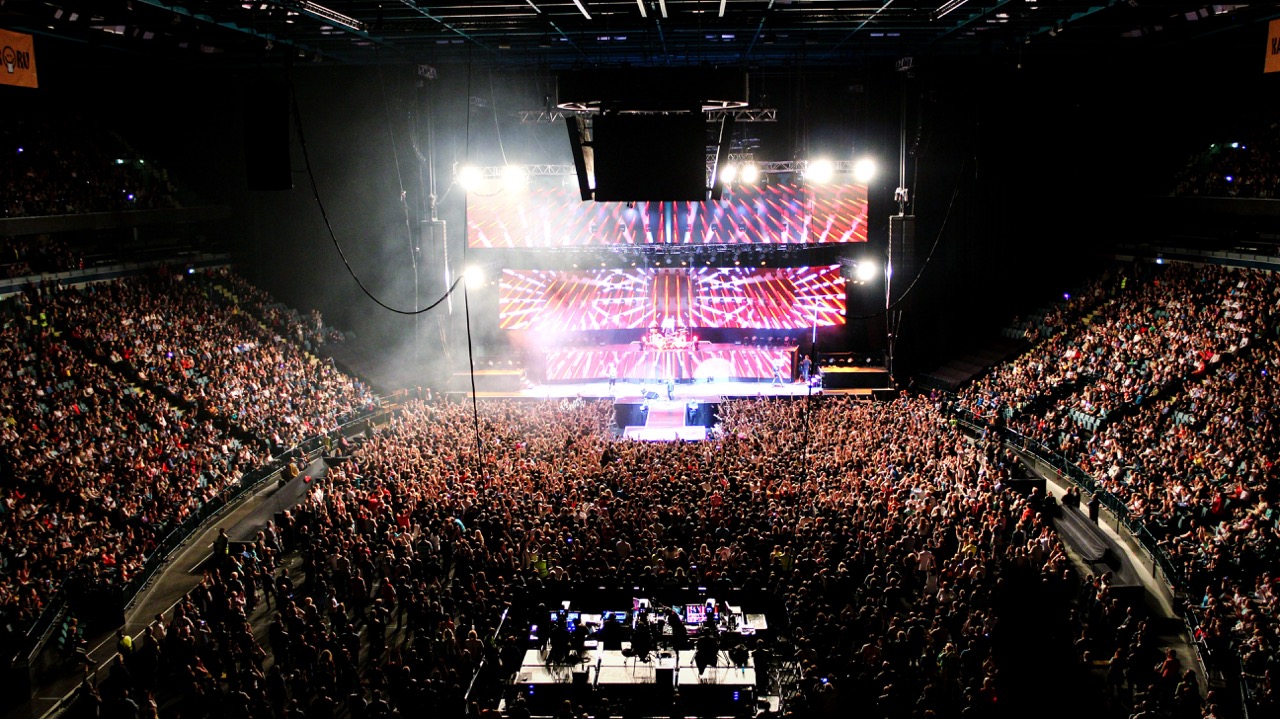 Guides
Stadium Wi-Fi capacity planning: sizing for a packed house
A sold-out crowd is the most hostile RF environment your wireless will ever face. Here is how to size Cisco Wi-Fi for a packed house, from device density math to antenna geometry to controller headroom.
June 6, 2026 · 12 min read Guides
AP density and counts: Wi-Fi 6 vs Wi-Fi 7
Wi-Fi 7 changes the math on how many access points a high-density space actually needs. Here is how AP counts shift between Wi-Fi 6 and Wi-Fi 7, why the answer is rarely "fewer APs," and how to size a Cisco Catalyst deployment that holds up under real load.
April 19, 2026 · 12 min read Guides
Wi-Fi 6 vs Wi-Fi 7: the complete comparison
Wi-Fi 7 is not a minor refresh of Wi-Fi 6. It reworks how spectrum, channels, and client connections are handled, and that changes how you plan a campus, a hospital floor, or a federal facility. Here is what actually differs, where the gains are real, and how to decide what to deploy.
January 22, 2026 · 11 min read Guides
Outdoor venue Wi-Fi: ruggedized APs, uplinks and event-day resilience
Outdoor venues punish ordinary wireless designs. Here is how to spec ruggedized Cisco access points, harden uplinks, and engineer a network that survives a sold-out event day.
June 6, 2026 · 11 min read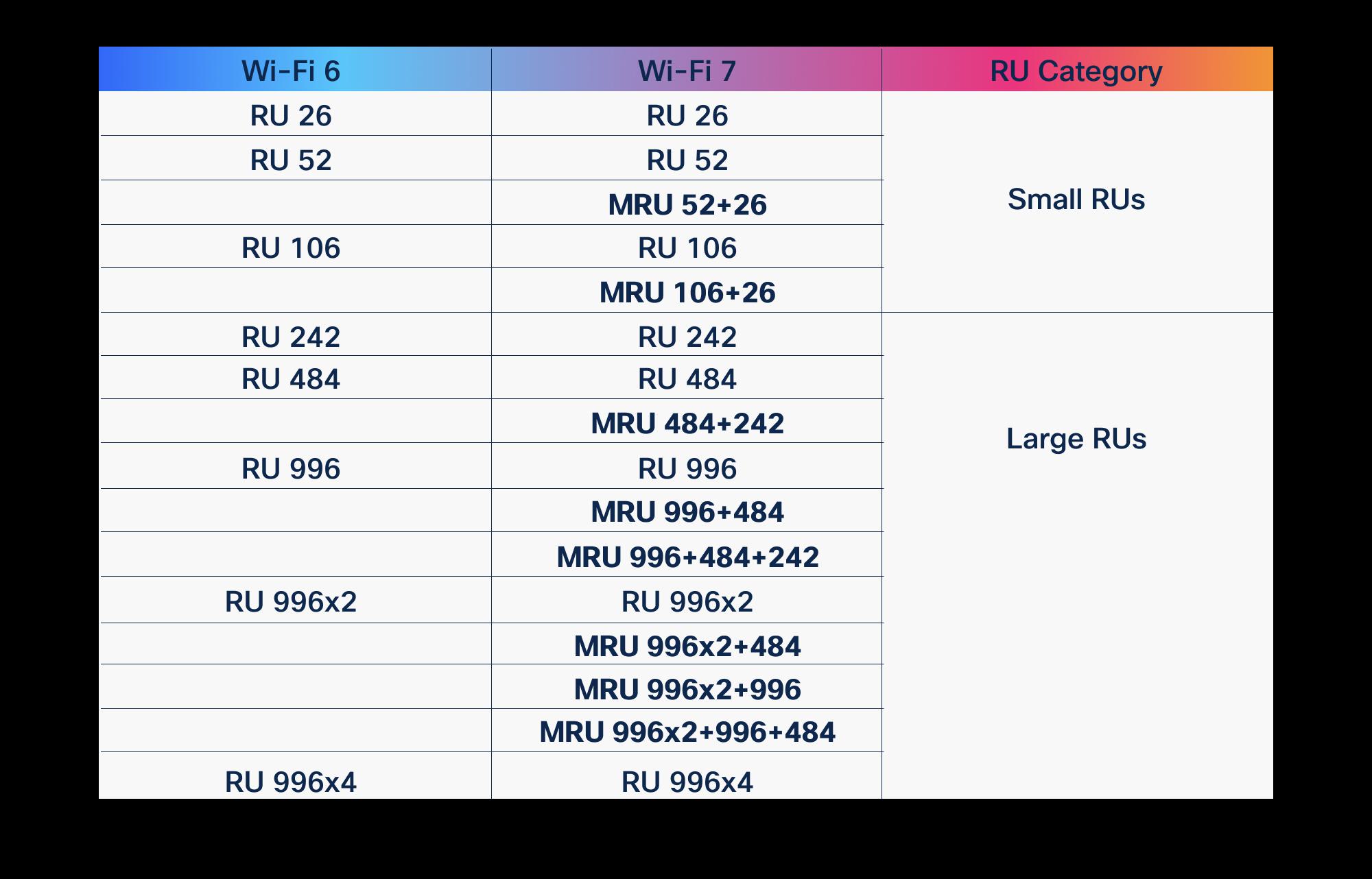 Guides
OFDMA in Wi-Fi 6 vs Wi-Fi 7: what improved
OFDMA arrived with Wi-Fi 6 to fix the airtime problem. Wi-Fi 7 didn't replace it, it gave it wider lanes, more granular scheduling, and a second radio to schedule across. Here is what actually changed, and why it matters for high-density enterprise and public-sector networks.
March 19, 2026 · 10 min read Guides
Cisco Wi-Fi 6E access points: the lineup
A practical, model-by-model guide to Cisco's Wi-Fi 6E access point lineup, what the 6 GHz band actually buys you, and how to choose the right radio for federal, healthcare, and enterprise sites.
May 5, 2026 · 11 min read